 ENG
ENG ARA
ARA FRE
FRE
SardonyxCIMSBEGINNEREN
Process Officer
This course contains Subject management, Processed document and Arrest and Detention Management (Warrant)
10 lessons—0 enrolled
What you'll learn in this course
- Navigate to the Person Management section within the Master Index module.
- Create a new Person record by entering all required and optional data fields.
- Use the Save, Save & New, and Save & Close options correctly.
- Access and use secondary controls (Add Identification, Add Address, Add Telephone, Add Nickname, Add Alias, Add Associate) on a saved record.
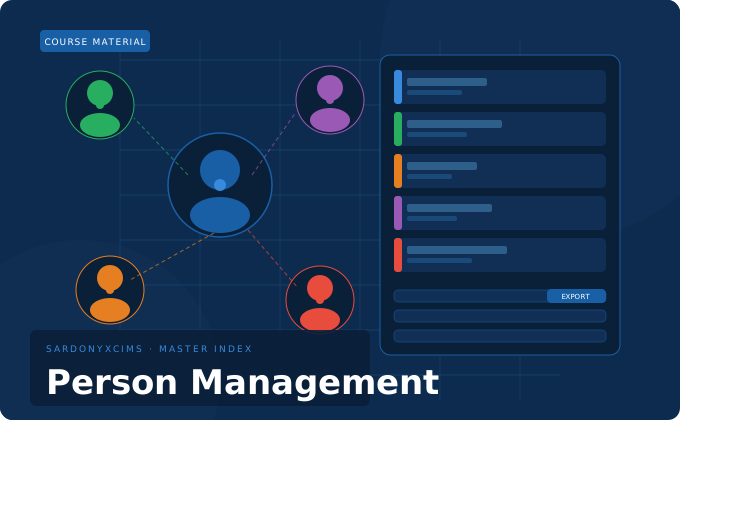
- Search, filter, clear, and export Person records from the Listing view.
Curriculum
Subject Management
- Subject Managment Overview—
- How to Create a Subject Record—
- Subject Management Quiz—
Processed Document Management (Warrant)
- Overview of the Person Add Screen—
- Step-by-Step: Adding a New Person Record—
- Validation — What Happens on an Empty Save—
Arrest and Detention Report Management
- Overview of the Person Listing Screen—
- Step-by-Step: Searching for a Person—
- Exporting Search Results—
Assessments
- Process officer Written Assessment—
- CIMS — Person Management LabLab60 min
Enrollment is managed by your instructor. Contact them to be added to this course.
- LevelBEGINNER
- Lessons10
- Duration—
- LanguageEN